The listing is the last slow step between your printer and a sale.
Mirra is the listing department for DTF transfer shops. Upload a folder of designs and each one comes back as a finished listing: title, tags (exactly 13 for Etsy), and description written from the art, a mockup built from your own template, and the category, sizes, and prices from your shop settings. Push the drafts to Etsy or Shopify, or export a ZIP.
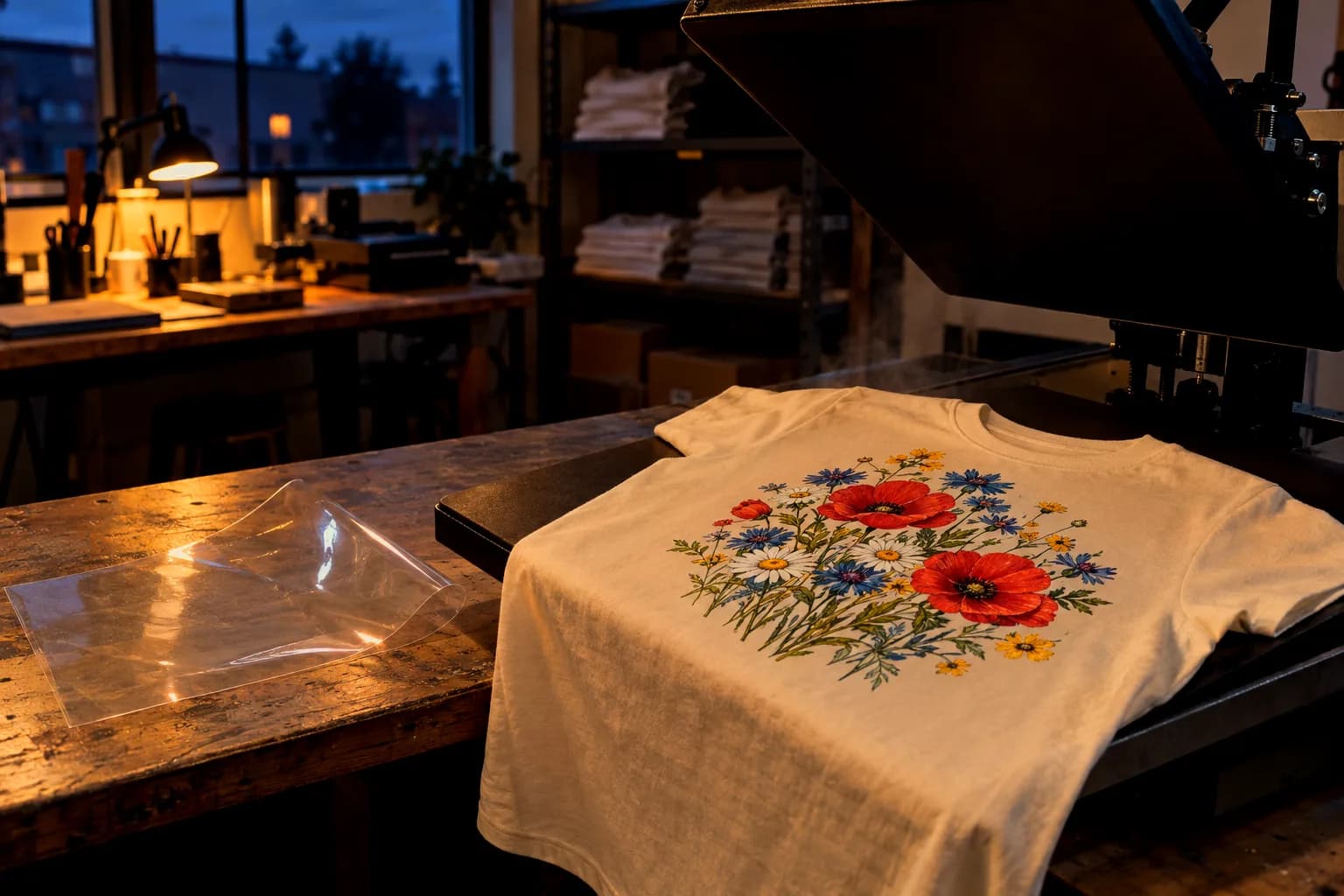
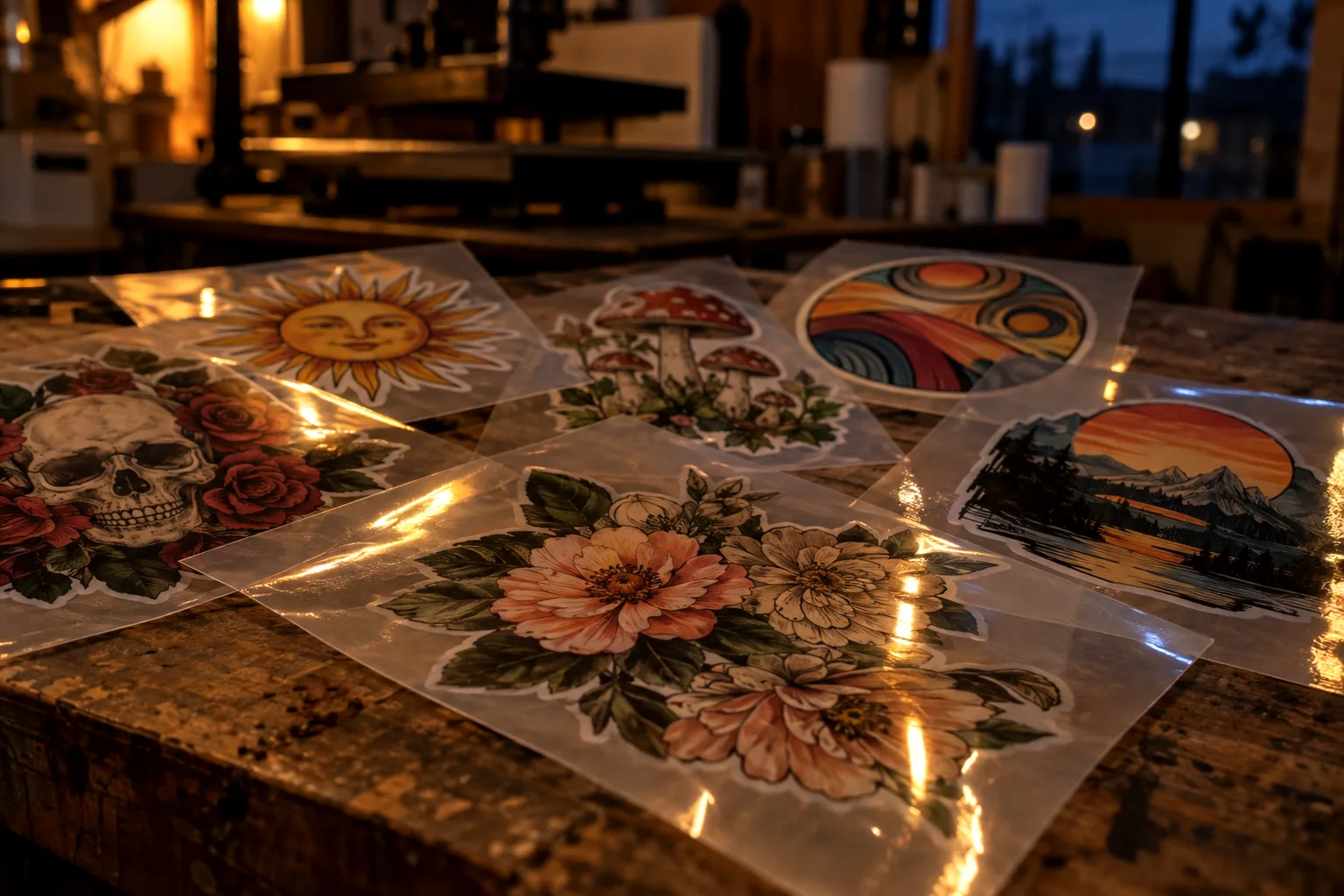
Built for the people who sell the film.
Most bulk listing tools start from a catalog garment: pick a blank, drop your art on it, and someone else prints and ships a shirt. You are not that seller. You own the printer, and the product is the ready-to-press transfer, not the shirt. Point a garment tool at that and you get the wrong category, the wrong materials, the wrong shipping weight, and shirt sizes where print sizes belong.
Mirra starts from the transfer. Every Etsy listing is filed as a craft supply, priced by print size from your own size table, and shipped at the weight of a sheet of film, with the press and wash-care block already written into the description. One workflow, done well: designs in, listings out, drafts pushed. No design editor, no gallery, no team features.
What comes back for each design.
Three things, stored together as one listing you can edit before it reaches your shop. The text is written from the artwork. The category, sizes, and prices come from your shop settings.
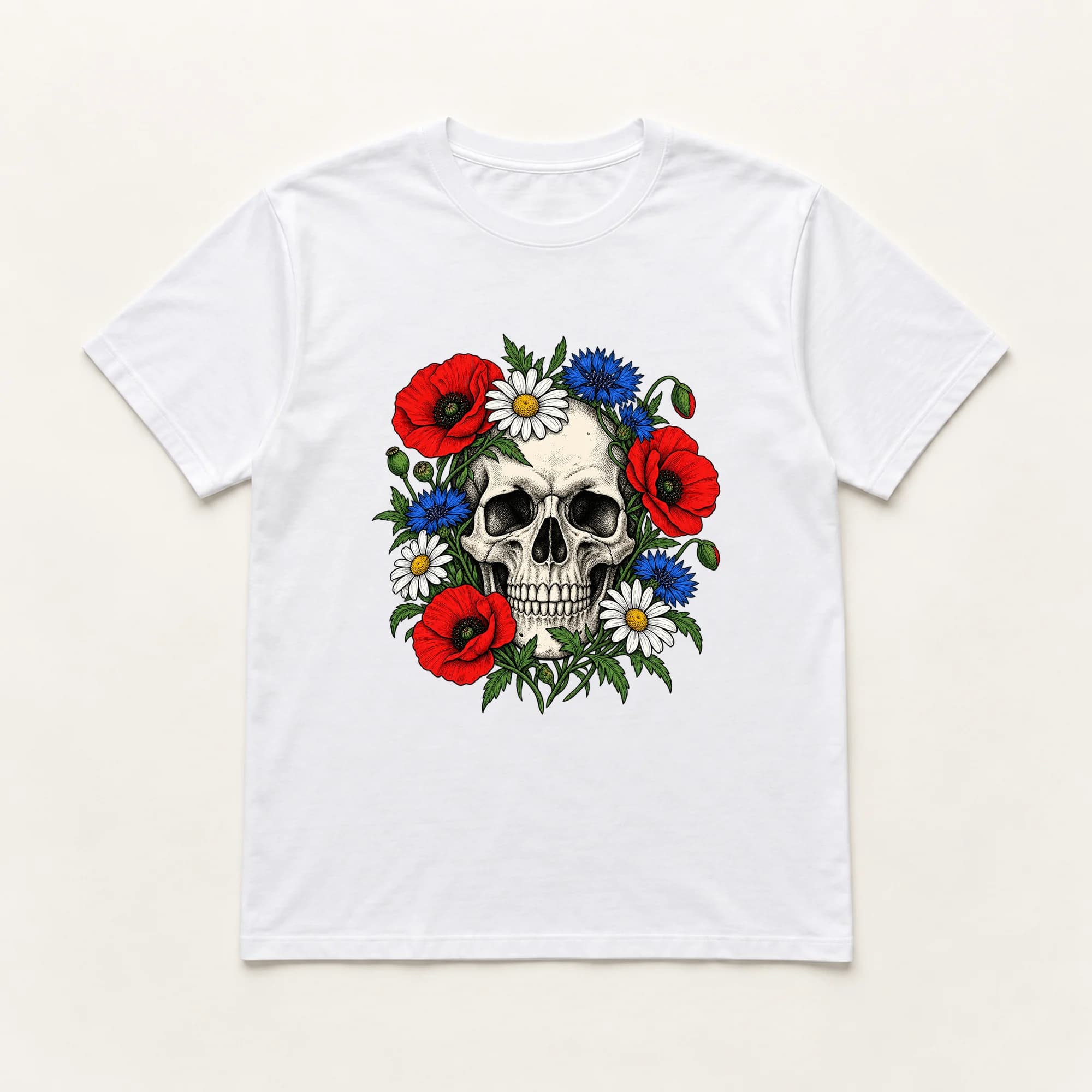
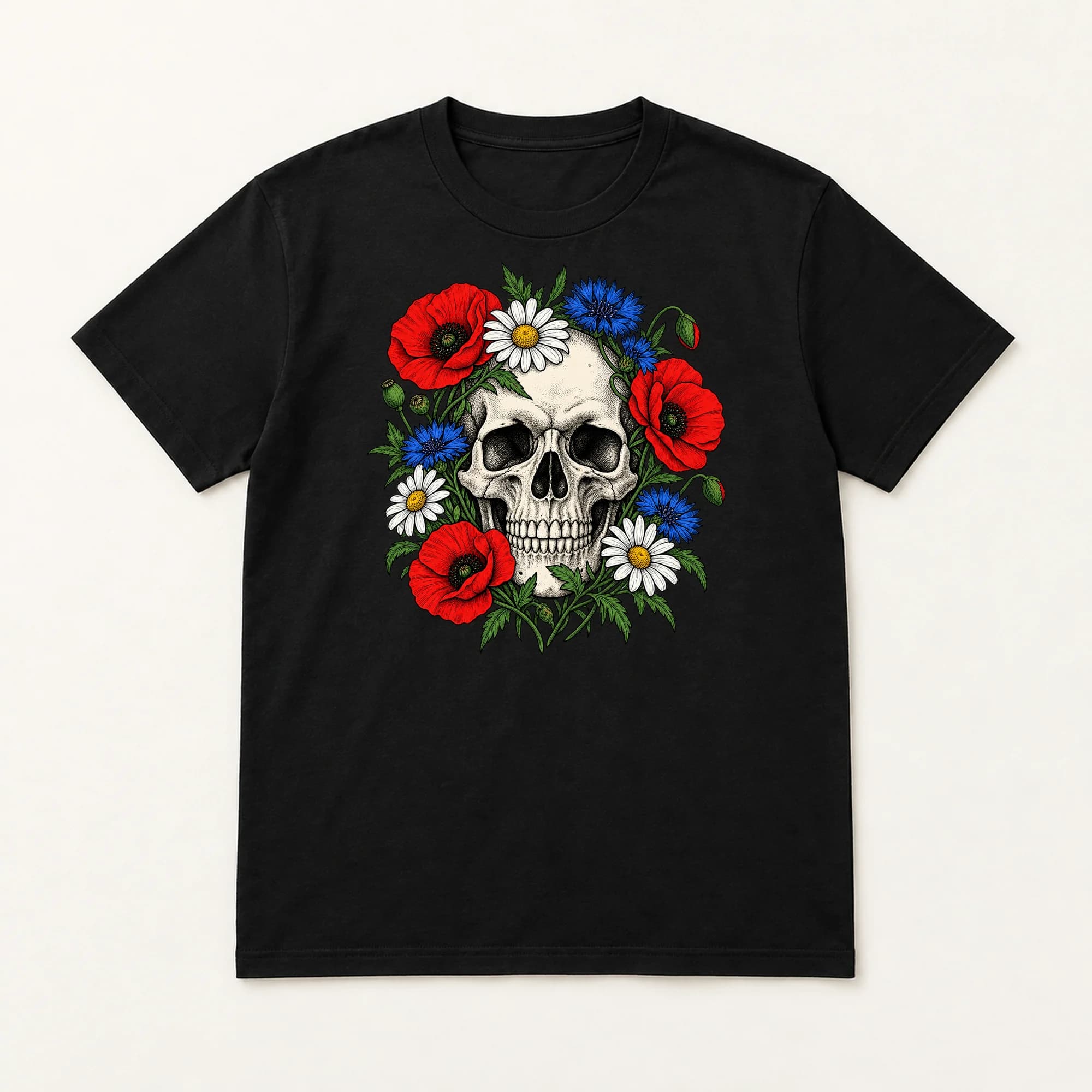
floral skull FINAL (2).png listing
Title 91/140
Floral Skull DTF Transfer, Ready to Press Vintage Wildflower Skull Heat Transfer for Shirts
Tags 13/13
Description
This floral skull DTF transfer is ready to press onto your blank tees, hoodies, and totes. A vintage engraved skull sits wrapped in poppies, cornflowers, and daisies, printed in bright full color on a white underbase so it pops on light and dark fabrics. …
then the size guide, press temperatures, peel, and wash care
Category
Craft Supplies & ToolsCanvas & SurfacesStencils, Templates & TransfersImage Transfers
Sizes
| Pocket / Left Chest | 4" | $3.00 |
|---|---|---|
| Youth | 8" | $4.00 |
| Adult | 11" | $5.50 |
| 2XL+ | 12" | $7.00 |
Materials
PET film, water based ink, hot melt adhesive
Shipping
1.5 oz · 12 × 12 × 0.05 in
Mirra's one-click DTF preset. Use it, edit it, or type your own.
You print. The listings write themselves.
Drop in a folder
Upload every design you want to sell. The queue works through them while you run the printer.
Look over the drafts
Each design comes back a full listing. Open any of them, change a word or a tag, or accept it as written. Nothing reaches your shop until you push it.
Push or export
Send drafts to your Etsy or Shopify shop with one click. An Etsy shop with no API connection gets a ZIP with the images and metadata for hand entry.
See the real app.
A 3-minute recording of the real app: shop setup, the generator, a finished listing, up to the push screen.
The full series on YouTube films a batch and a real push (opens in a new tab)Straight answers.
Have a question?
We read every email. If something doesn't make sense, or you're weighing whether this fits your shop, just ask.
support@the-mirra.com
Does Mirra copy other sellers' listings?
No. Mirra never reads other sellers' listings. Every listing is written from your own artwork. Mirra also checks generated titles, tags, and descriptions against a list of about 150 brand, character, and team names, and a match stops that design. The list won't catch every brand, so check your own designs.
Does Mirra use AI?
Yes. A vision model reads each design you upload and writes the title, tags, and description from what it sees, plus the defaults your shop already carries. It never reads other sellers' listings, and it never sets a price.
Who sets the prices?
You do. Each shop keeps a size table: print size on one side, price on the other. Listings carry those sizes as variants, and the size guide in the description is built from the same table. Change a price and the next push carries the new price.
Where do finished listings go?
Three ways out. Connect an Etsy shop and drafts are pushed for you to publish yourself. Connect a Shopify store and products arrive as drafts too, unless you switch that store to publish on arrival. Or, for an Etsy shop with no API connection, export a ZIP of images, metadata, and a CSV manifest for hand entry.
Where do the mockups come from?
From templates you upload once. Mark the print area on a template photo, and every listing for that shop is composited into it at 2000x2000 pixels or larger, background removed.
What does an account include?
Sign up, then start a free trial from your dashboard: 25 listings free for 7 days. No card required. After that, one subscription ($299/month) covers every shop you connect, with 1,000 listings/month included. Editing, pushing, and exporting are never metered. If your plan ends, nothing is taken away: your listings, shops, and templates stay, and only new generations wait for a subscription.
Designs in. Listings out.
25 listings free for 7 days. No card required. Then $299 a month for 1,000 listings.
Start free trialAlready have one? Sign in